Last Updated: September 25, 2026
As homes fill with more wireless devices than ever, a single 5 GHz band gets crowded fast. That is the problem a quad band router solves: by adding an extra high-speed band, it spreads devices across four lanes of traffic instead of two or three, dramatically reducing congestion in busy households. This guide rounds up the best quad-band routers and mesh systems in 2026, explains how the technology works, and helps you decide whether you actually need one.
As an Amazon Associate I earn from qualifying purchases.
Quad-band is largely a WiFi 7 mesh phenomenon, where a second 5 GHz or 6 GHz band is dedicated to the wireless backhaul that links the units together. Every product below is a real, shipping system built for large, device-dense homes. The table gives you the quick comparison; the sections underneath explain how to choose the right quad band router for your space.
| Product | Key Spec | Best For | Rating |
|---|---|---|---|
| Netgear Orbi 970 (RBE973) | WiFi 7, quad-band, 10G port | Large luxury homes | 4.7/5 |
| TP-Link Deco BE95 | WiFi 7, quad-band, dual 10G | Max throughput mesh | 4.7/5 |
| ASUS ZenWiFi BQ16 Pro | WiFi 7, quad-band, AiMesh | Enthusiast customization | 4.6/5 |
| Netgear Orbi 870 Series | WiFi 7, tri-band upgrade path | Mid-size homes | 4.5/5 |
| TP-Link Deco BE85 | WiFi 7, tri-band, 10G ports | Value WiFi 7 mesh | 4.6/5 |
| ASUS ROG Rapture GT-BE98 | WiFi 7, quad-band gaming | Gamers and streamers | 4.6/5 |
| Netgear Nighthawk RAXE500 | WiFi 6E, tri-band standalone | Single-router coverage | 4.4/5 |
| Amazon eero Max 7 | WiFi 7, tri-band, simple setup | Ease of use | 4.5/5 |
How to choose a quad band router
A quad band router is a premium purchase, so it pays to understand what the fourth band buys you and whether your home and devices can take advantage of it. Here is how to weigh the decision.
What a quad band router actually does
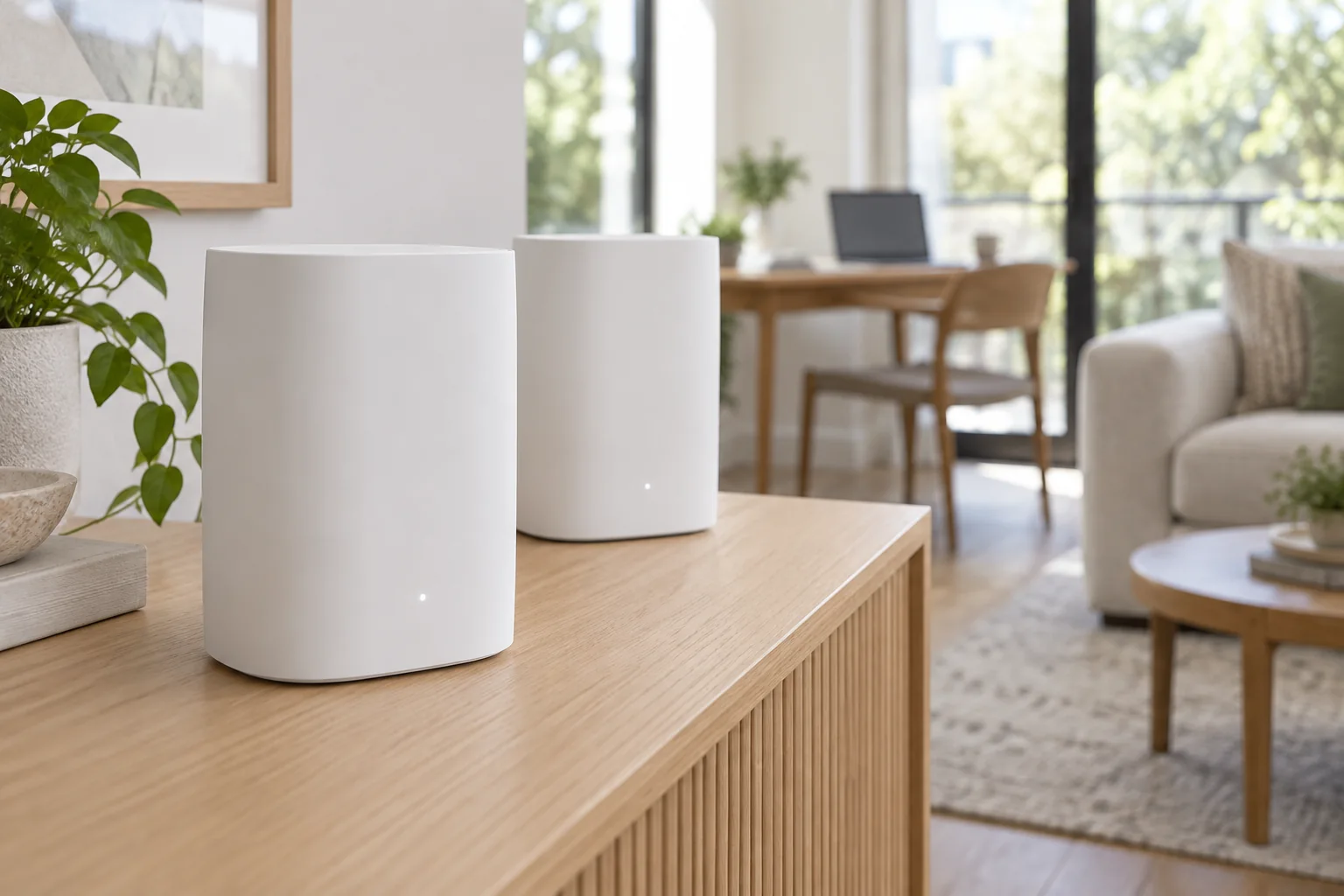
A true quad band router broadcasts on four radios, typically one 2.4 GHz band, two 5 GHz or 6 GHz bands, and a fourth band dedicated to backhaul between mesh units. That dedicated backhaul is the key advantage: it keeps the link between nodes fast and uncongested, so your devices always talk to a satellite that has a clear, high-speed path back to the main router.
Do you need a quad band router?
Quad-band shines in large homes with many satellites and dozens of connected devices, or where you have a multi-gig internet plan you want to carry wirelessly between floors. If you live in a smaller home or have a plan under a gigabit, a good tri-band WiFi 7 or WiFi 6E system will serve you just as well for far less money. Match the router to the home, not the spec sheet.
WiFi 7 and the fourth band
Most quad-band systems are WiFi 7, which adds 320 MHz channels and Multi-Link Operation for using multiple bands at once. Combined with a dedicated backhaul band, WiFi 7 quad-band mesh delivers the highest whole-home throughput available. You will only see the full benefit with WiFi 7 client devices, so factor in whether your phones and laptops support the standard yet.
Wired ports and multi-gig backhaul
Look at the ports carefully. The best quad-band systems include 10 Gigabit WAN and LAN ports so you can feed a multi-gig internet plan and run a wired backhaul between units for the fastest, most stable link. If you can run an Ethernet cable between floors, wired backhaul frees up that fourth band entirely for your devices.
Coverage area and number of units
Manufacturers quote coverage in square feet, but walls, floors, and materials cut those numbers down in the real world. Buy based on your home’s size and layout, and add satellites for large or multi-story houses. A two- or three-pack quad band router system typically covers most large homes; sprawling properties may need more nodes.
Setup, apps, and ongoing management
Mesh systems live and die by their apps. Netgear Orbi, TP-Link Deco, ASUS, and eero all offer guided setup and remote management, though some lock advanced features or security services behind subscriptions. If you want maximum control and no fees, ASUS is the enthusiast favorite; if you want the simplest experience, eero and Deco are hard to beat.
Security and future-proofing
A router is a long-term purchase, so prioritize one with automatic firmware updates and modern WPA3 encryption. WiFi 7 quad-band systems will stay current for years as more devices adopt the standard. Check whether built-in security features are free or subscription-based so there are no surprises after the initial purchase of your quad band router.
Frequently Asked Questions
See also: 1440p vs 4K Monitor for Gaming: Which Resolution Fits Your GPU, Desk and Budget • Best Monitor for MacBook Air: Two USB-C 4K Screens and Six Adapter-Dependent Alternatives
What is a quad band router and how is it different from tri-band?
A quad band router broadcasts on four radio bands instead of three, typically adding a second high-speed 5 GHz or 6 GHz band dedicated to mesh backhaul. This keeps the link between router and satellites fast and uncongested, so in large, device-heavy homes a quad-band system delivers noticeably more stable whole-home speeds than a comparable tri-band mesh.
Do I really need a quad band router for my home?
Only if you have a large multi-story home, many mesh satellites, dozens of devices, or a multi-gig internet plan. Smaller homes and plans under a gigabit are well served by a quality tri-band WiFi 7 or WiFi 6E system at a much lower price. Buy a quad band router when your home and internet plan can actually use the extra band.
Are quad band routers all WiFi 7?
Nearly all current quad-band systems use WiFi 7, which pairs the fourth band with features like 320 MHz channels and Multi-Link Operation for maximum throughput. You will get the full benefit only with WiFi 7 client devices, though the system remains fully backward compatible with your existing WiFi 6, 5, and older gadgets.
Can I use wired backhaul with a quad band router?
Yes, and it is often the best setup. If you run an Ethernet cable between your main unit and satellites, the system uses that wired link for backhaul and frees the dedicated wireless backhaul band entirely for your devices. Look for models with 10 Gigabit ports to take full advantage of multi-gig wired backhaul.
Will a quad band router speed up my internet?
It cannot exceed the speed your internet plan provides, but it removes wireless bottlenecks so more of that speed reaches your devices, especially far from the main unit. In congested homes a quad band router improves consistency, reduces lag, and lets many devices run at full speed at once, which feels faster in everyday use.
Explore more networking guides: our best gaming router picks, the Netgear mesh WiFi roundup, and how to choose the right Ethernet cable for wired backhaul. You can also read about cellular modems for backup internet, learn what WiFi 7 changes, or compare mesh versus single-router setups.