Last Updated: September 25, 2026
When wired internet is unavailable, unreliable, or you are simply on the move, a cell modem turns a cellular signal into a WiFi network for your devices. Also called a cellular modem, mobile hotspot, or 4G/5G router, it uses a SIM card and a carrier plan to deliver internet almost anywhere with coverage. This guide rounds up the best cell modems in 2026, explains how to choose one, and helps you match a device to your needs, from travel to backup internet at home.
As an Amazon Associate I earn from qualifying purchases.
Cell modems range from pocket hotspots for a few devices to home routers that serve a whole household as a primary or backup connection. Every model below is a real, shipping product. The table gives you the quick comparison; the sections underneath explain how to pick the right cell modem for your situation and carrier.
| Product | Key Spec | Best For | Rating |
|---|---|---|---|
| Netgear Nighthawk M6 Pro (MR6550) | 5G mmWave, WiFi 6E, 2.5G port | Fastest 5G hotspot | 4.6/5 |
| Netgear Nighthawk M6 (MR6150) | 5G, WiFi 6, up to 32 devices | Balanced travel and backup | 4.6/5 |
| Inseego MiFi X Pro 5G | 5G, WiFi 6, large battery | All-day mobile use | 4.4/5 |
| Netgear Nighthawk M5 (MR5200) | 5G, WiFi 6, Ethernet port | Home backup internet | 4.4/5 |
| Netgear LM1200 4G LTE Modem | LTE, single Ethernet, failover | Wired backup for routers | 4.3/5 |
| TP-Link Deco X50-5G | 5G mesh router, WiFi 6 | Whole-home 5G broadband | 4.4/5 |
| TP-Link M7350 4G LTE | LTE, compact, budget | Affordable travel hotspot | 4.2/5 |
| ZTE MU5001 5G Hotspot | 5G, WiFi 6, touchscreen | Value 5G option | 4.2/5 |
How to choose a cell modem
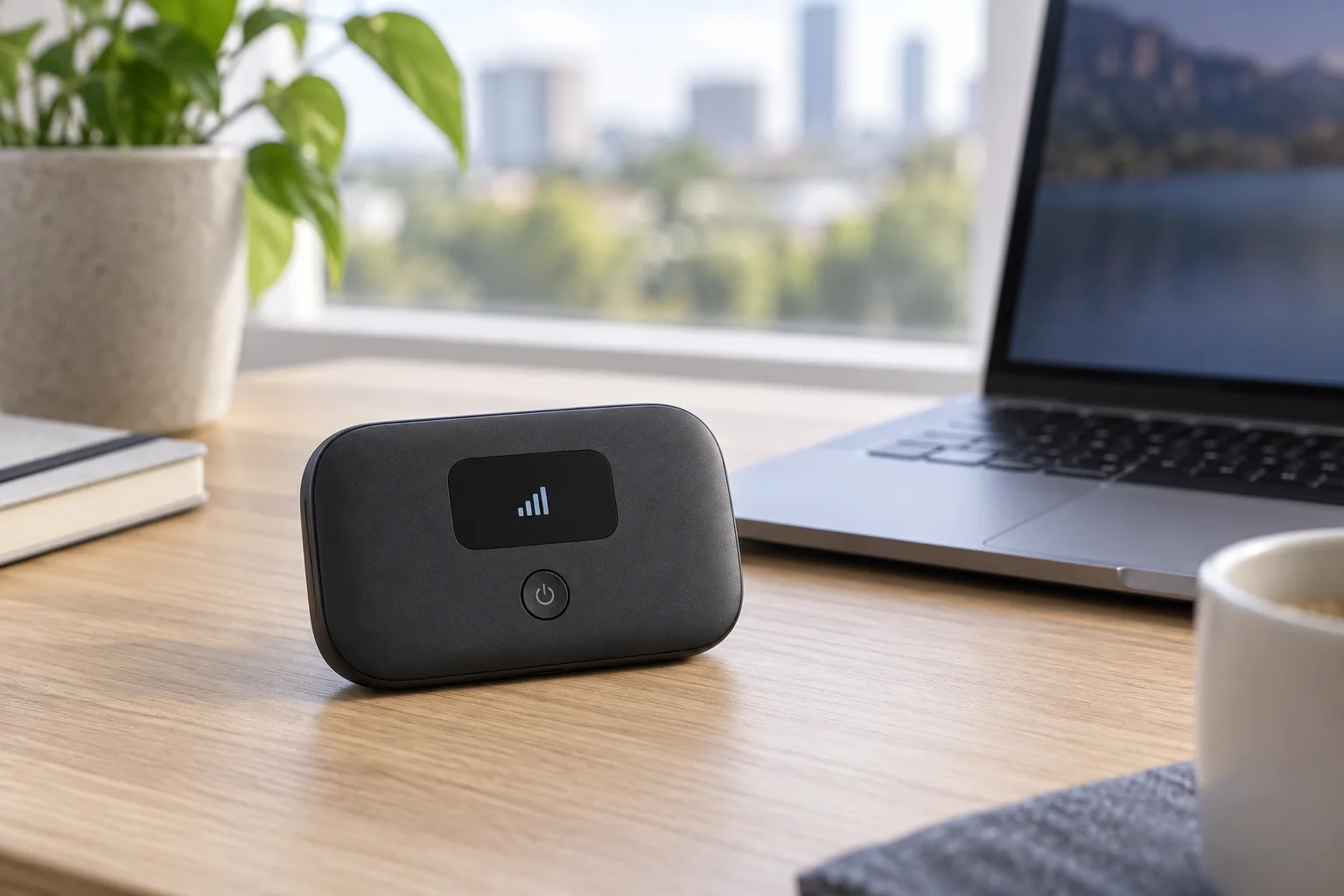
The right cell modem depends on your carrier, how many devices you need to connect, and whether you want a portable hotspot or a stationary home device. Here is how to work through the decision.
Carrier and network compatibility
The most important step is confirming the cell modem supports your carrier’s bands, especially for 5G. A device optimized for one network may underperform on another, so check the supported bands and carrier certification before buying. Unlocked models give you the flexibility to switch SIMs and shop for the best data plan, which is a real advantage over carrier-locked units.
4G LTE versus 5G cell modems
4G LTE modems are cheaper and offer solid speeds that are plenty for browsing, email, and video on the go. 5G modems deliver much faster speeds and lower latency where coverage exists, making them viable as a home broadband replacement. Choose 5G if your area has good coverage and you want maximum performance; LTE if you want affordability and broad availability.
Portable hotspot or home cell modem
Battery-powered hotspots like the Nighthawk M6 and MiFi X Pro fit in a pocket and run for hours, ideal for travel and remote work. Stationary units like the Deco X50-5G or LM1200 plug into power and often add Ethernet ports for a more permanent home or backup setup. Decide whether portability or whole-home coverage matters more to you.
Number of connected devices and WiFi standard
Check how many devices a cell modem supports at once, typically between 15 and 32. A newer WiFi 6 or 6E radio handles more simultaneous connections smoothly and delivers faster local speeds. For a household or a small team on the road, prioritize a cell modem with a modern WiFi standard and a high device limit.
Battery life and charging
For portable use, battery life determines how long you stay connected away from an outlet. Larger batteries like the MiFi X Pro’s last through a full workday, and many hotspots can double as a power bank to charge your phone. Home-focused cell modems run on wall power, so battery is a non-issue for stationary setups.
Ethernet ports and backup internet failover
If you want a cell modem as backup for your home internet, look for one with an Ethernet port, like the Netgear LM1200 or Nighthawk M5. These can feed a router directly and some support automatic failover, switching to cellular when your wired connection drops so your network stays online during outages without you lifting a finger.
Data plans and ongoing cost
A cell modem is only as good as the data plan behind it. Cellular data is metered, so watch for throttling after a threshold and choose a plan that matches your usage. For heavy home use, look for plans marketed for home internet or hotspots with high or unlimited data caps, and factor that recurring cost into your total budget.
Frequently Asked Questions
See also: 1440p vs 4K Monitor for Gaming: Which Resolution Fits Your GPU, Desk and Budget • Best Monitor for MacBook Air: Two USB-C 4K Screens and Six Adapter-Dependent Alternatives
What is a cell modem and how does it work?
A cell modem uses a SIM card and a cellular data plan to connect to a carrier’s 4G LTE or 5G network, then shares that connection as a WiFi network for your devices. It works anywhere with cellular coverage, making it ideal for travel, remote areas, or as a backup internet source when your wired connection goes down.
Can a cell modem replace my home internet?
Yes, in many areas a 5G cell modem can serve as primary home internet, especially where cable or fiber is unavailable. Performance depends on your local coverage and signal strength, and cellular data plans may have caps or throttling. For heavy households, choose a 5G home internet plan with high or unlimited data and a modem with Ethernet output.
Do I need 5G or is a 4G LTE cell modem enough?
A 4G LTE cell modem is more affordable and delivers speeds that are plenty for browsing, email, and streaming on the go. Choose 5G if your area has good 5G coverage and you want much faster speeds and lower latency, particularly if you plan to use the cell modem as a home broadband replacement rather than occasional travel.
Should I buy an unlocked cell modem?
An unlocked cell modem lets you use any compatible carrier’s SIM, so you can shop for the best data plan and switch providers freely. Just confirm the device supports your carrier’s bands, especially for 5G, before buying. Carrier-locked models are sometimes cheaper upfront but tie you to one network, reducing your flexibility over the life of the device.
Can a cell modem provide backup internet during an outage?
Yes. A cell modem with an Ethernet port, such as the Netgear LM1200, can feed your router and act as backup internet. Some models support automatic failover, switching to cellular the moment your wired connection drops so your network stays online. This keeps you connected during outages, which is valuable for remote work and home offices.
Explore more networking guides: how to choose a quad-band router, the best Netgear mesh WiFi systems, and our gaming router roundup. You can also learn what Ethernet cable you need, compare WiFi 7 versus WiFi 6E, or read our home network setup tips for reliable coverage.