

Last Updated: October 6, 2026


📄 In This Review
Quick Comparison
| Product | Brand | Price | Rating |
|---|---|---|---|
| Logitech MX Keys S Wireless Keyboard | — | $129.99 | 4.4/5 |
| JLab Epic Work Bundle | JLab | $87.89 | 4.3/5 |
| Logitech MX Keys Keyboard | — | $119 | 4.6/5 |
The Logitech MX Keys at a Glance
See also: Good Height for a Desk: Seated and Standing Numbers by Body Height • Best Desks for Posture: Height, Depth and Sit-Stand Options
The Logitech MX Keys keyboard has become the go-to choice for professionals who want a premium wireless typing experience without switching to a mechanical keyboard. Its spherically dished keys, intelligent backlighting, and seamless multi-device pairing set it apart from standard office keyboards. This review examines the MX Keys alongside two closely related alternatives so you can decide which is the best fit.
1. Logitech MX Keys (Standard)
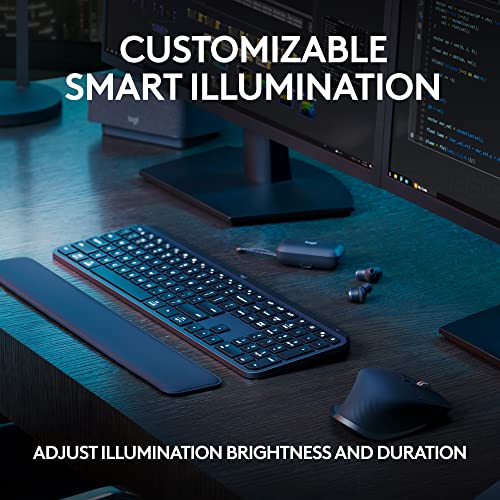
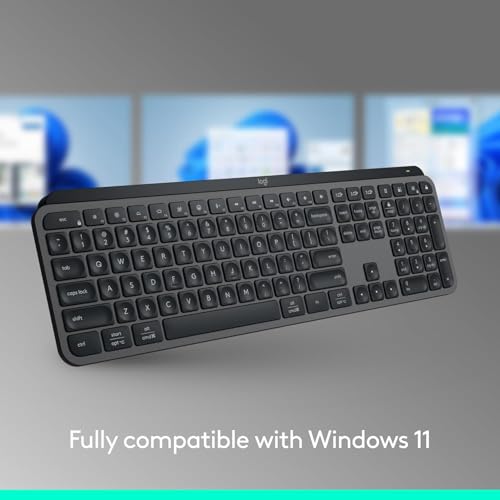
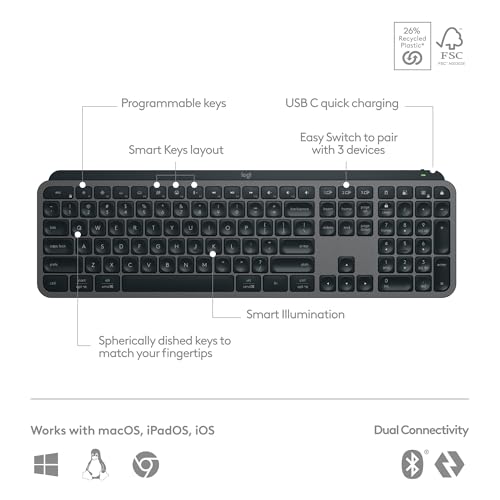
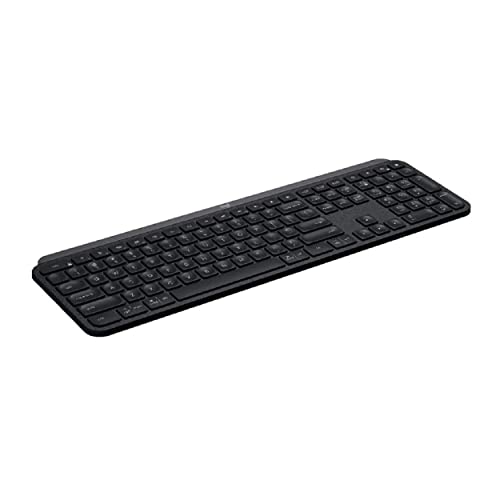
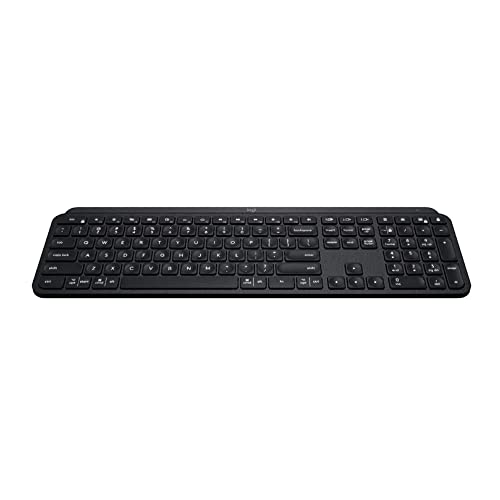
The standard MX Keys features a full-size layout with a numpad, low-profile scissor switches, and Keys-to-Go smoothness that many typists prefer over mechanical feedback. It pairs to up to three devices via Easy-Switch buttons and connects via Bluetooth or the Logi Bolt USB receiver. Backlit keys sense your hands and illuminate only when needed, extending battery life.
30
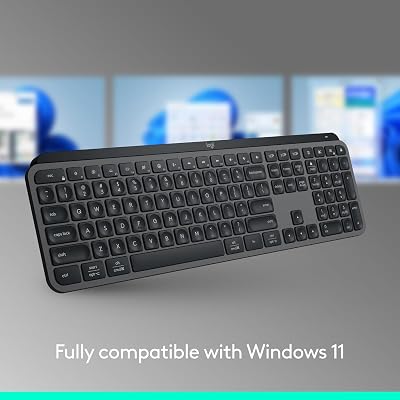
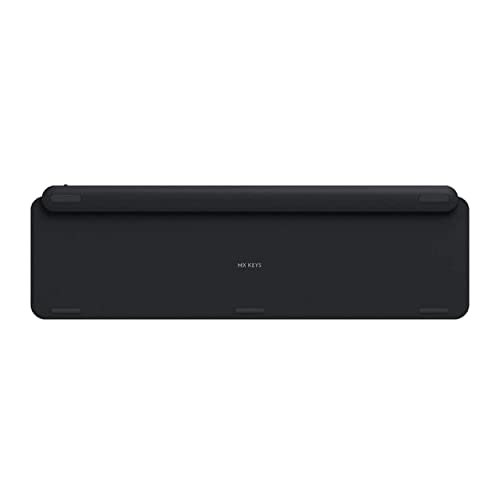
Logitech MX Keys S Wireless Keyboard Low Profile Fluid Precise – Graphite | Fluid precise quiet typing, programmable keys, backlighting, USB C rechargeable, for Windows PC, Linux, Chrome, Mac
In Stock





As an Amazon Associate we earn from qualifying purchases. Product prices and availability are accurate as of the date/time indicated.
2. Logitech MX Keys Mini
The MX Keys Mini drops the numpad for a tenkeyless form factor that centers the keyboard and gives your mouse hand more room. It adds a "Mute" key and a dedicated emoji key for communication-heavy workflows. At just 506 grams, it travels well and pairs over Bluetooth to three devices with Easy-Switch. Available in multiple finishes including Rose, Pale Grey, and Graphite.
As an Amazon Associate we earn from qualifying purchases. Product prices and availability are accurate as of the date/time indicated.
3. Logitech MX Keys S
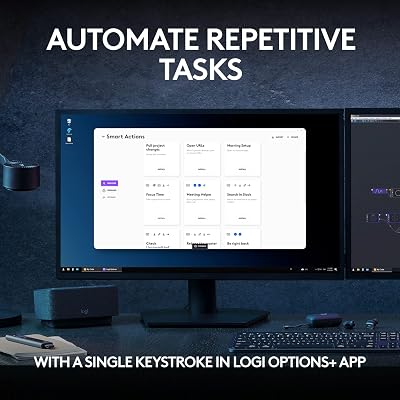
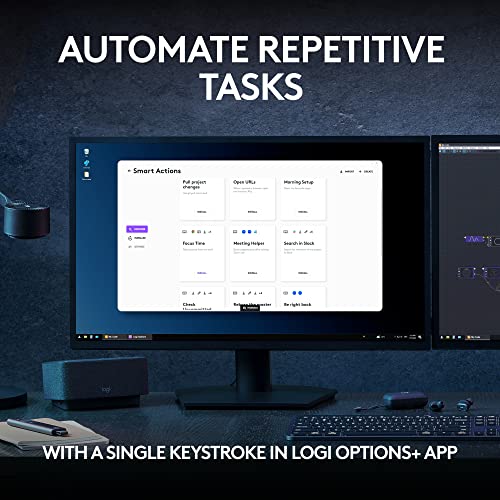
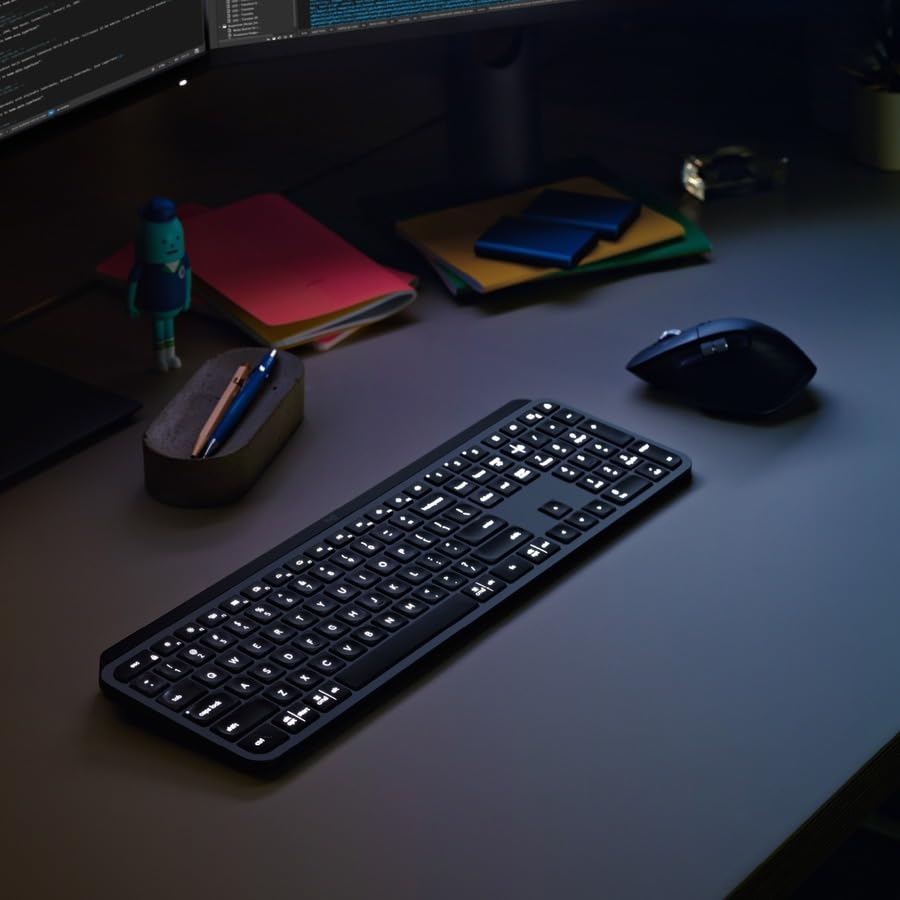
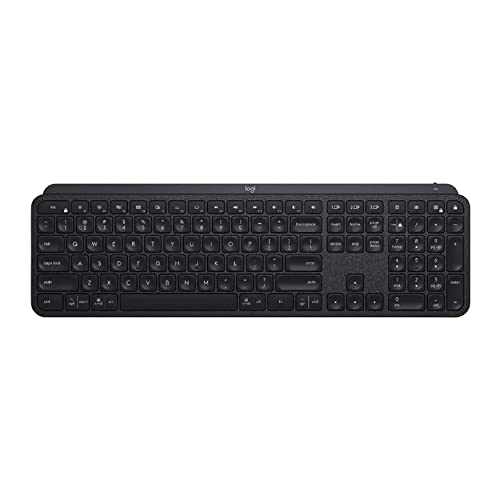
The MX Keys S is the updated version of the original, adding faster USB-C charging (reaching full charge in less than four hours), improved smart backlight logic, and Logi Options+ software compatibility for deep customization of the function keys and shortcuts. If you are buying new, the MX Keys S offers slightly better value than the original at similar pricing.

10


As an Amazon Associate we earn from qualifying purchases. Product prices and availability are accurate as of the date/time indicated.
Buying Guide: Choosing Between MX Keys Variants
- Numpad users: choose the standard MX Keys or MX Keys S for full-size numpad access.
- Desk space constrained: the MX Keys Mini frees up significant horizontal desk space and centers your typing position.
- Multi-OS users: all MX Keys variants support macOS and Windows and include keycap labels for both systems.
- Battery life: all models run about five days with backlighting on and up to 10 days with backlighting off.
- Charging: the MX Keys S charges fastest via USB-C; earlier models use micro-USB.
- Software: Logi Options+ allows per-app key remapping, which is particularly powerful for creative and coding workflows.
Final Thoughts
The Logitech MX Keys keyboard family consistently delivers one of the best typing experiences in the wireless keyboard category. The standard MX Keys and MX Keys S suit full-size typists and data entry users; the Mini serves mobile professionals and minimalists. Pair whichever you choose with the MX Master 3 mouse for a cohesive, productivity-maximizing desktop setup.
What to Look For in a Premium Wireless Keyboard
The MX Keys sits at the top of the productivity keyboard category, but choosing between its variants means weighing typing feel against desk space and connectivity needs. These are the details that separate a keyboard you tolerate from one you genuinely enjoy.
- Key switch type: the MX Keys uses low-profile scissor switches with dished keycaps; if you want tactile mechanical feedback in a slim body, you will need a different line entirely.
- Layout and footprint: decide whether you need the numpad of the full-size model or prefer the centered typing position the Mini offers by dropping it.
- Multi-device pairing: Easy-Switch lets you jump between three machines; confirm the model supports both Bluetooth and the Logi Bolt receiver for low-latency desktop use.
- Charging standard: the MX Keys S charges over USB-C in under four hours, while the original uses slower micro-USB, a meaningful daily convenience difference.
- Backlight behavior: hand-proximity sensing illuminates keys only when your fingers approach, balancing visibility against battery life.
- Software depth: Logi Options+ enables per-application remapping and smart actions, which pays off most for coders, editors, and designers.
Tips for Your MX Keys Setup
Pair the keyboard with the Logi Bolt receiver rather than Bluetooth if you work on a desktop, since the dedicated dongle reduces wake-from-sleep lag and pairing dropouts. Reserve the three Easy-Switch slots deliberately: one for your work machine, one for a personal laptop, and one for a tablet keeps switching predictable.
Take ten minutes to set up Logi Options+ profiles per application so the function row does what you actually need in each tool. Keep the keyboard angled flat or on its low feet; the dished keycaps are tuned for a near-flat typing posture and feel best that way.
- ▸ Open a free Amazon Business account
- ▸ Start an Audible Premium Plus free trial
Frequently Asked Questions
Is the MX Keys good for long typing sessions?
Yes. The spherically dished keycaps guide fingertips to center and the scissor switches require less force than most office keyboards, which reduces fatigue over multi-hour sessions.
Should I buy the original MX Keys or the MX Keys S?
At similar pricing, the MX Keys S is the better buy thanks to USB-C charging and improved backlight logic. Choose the original only if you find it discounted.
Does the MX Keys work with both Mac and Windows?
It does. The keycaps carry labels for both operating systems, and Easy-Switch lets you bounce between a Mac and a Windows machine instantly.
How long does the battery last?
Expect roughly five days with backlighting enabled and up to ten days with it off, depending on ambient light and typing volume. A quick USB-C top-up restores hours of use.
Common MX Keys Mistakes to Avoid
The most frequent regret with the MX Keys is buying the wrong form factor. Numpad-heavy workers who pick the Mini end up reaching for a separate keypad, while minimalists who buy the full-size model lose centered desk space they wanted back. Decide on layout before anything else. Another misstep is ignoring the Logi Bolt receiver and relying on Bluetooth at a desktop, which introduces wake-from-sleep lag that the dedicated dongle avoids entirely. Finally, many owners never open Logi Options+, leaving the smart function row and per-app remapping unused, which is where a large share of the keyboard value actually lives.
Can I connect the MX Keys to a tablet or phone?
Yes. Any of the three Easy-Switch slots can pair to an iPad, Android tablet, or phone over Bluetooth, and the keyboard remembers each device for instant switching.
Does the backlight drain the battery quickly?
The proximity-sensing backlight only activates when your hands approach and dims in bright rooms, so the battery hit is modest. Turning the backlight off roughly doubles runtime between charges.
Related Reviews & Guides



Herman Miller vs Steelcase: Worth the Price

Under Desk Elliptical Pedal Exerciser










