

Last Updated: September 4, 2026
- Top Pick: Steelcase Series 1 Office Chair – Ergonomic Work Chair with Wheels for Carpet – Helps Support Productivity – Weight-Activated Controls, Back & Arm Support – Easy Assembly – Licorice
- Best Value: Steelcase Series 2 Ergonomic Office Chair, Carpet Floors, Licorice
- Premium Choice: Steelcase Gesture Office Chair, Carpet Floors, Graphite Gray


🛒 Best Price Today on Amazon
Prime members get fast, free shipping on everything above, plus member-only deals. New members get a 30-day free trial — cancel anytime.
As an Amazon Associate we earn from qualifying purchases at no extra cost to you.




📄 In This Review
Quick Comparison
| Product | Brand | Price | Rating |
|---|---|---|---|
| Steelcase Leap Office Chair – Seven Points of Adjustabi… | — | $1049.18 | 4.2/5 |
| Steelcase Leap Office Chair – Ergonomic Work Chair with… | — | $1080 | 4.2/5 |
| Steelcase Leap Office Chair – Ergonomic Work Chair with… | — | $1080 | 4.2/5 |
The Steelcase Leap Chair: Engineering for the Way You Actually Work
See also: Good Height for a Desk: Seated and Standing Numbers by Body Height • Best Desks for Posture: Height, Depth and Sit-Stand Options
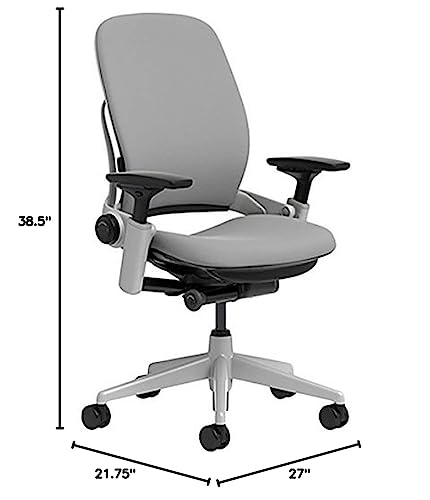
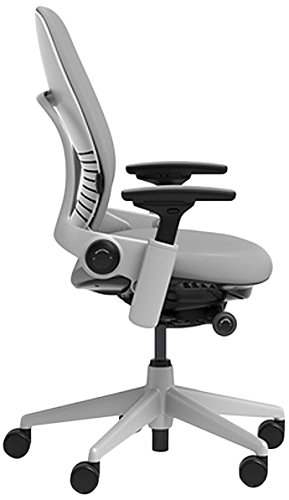
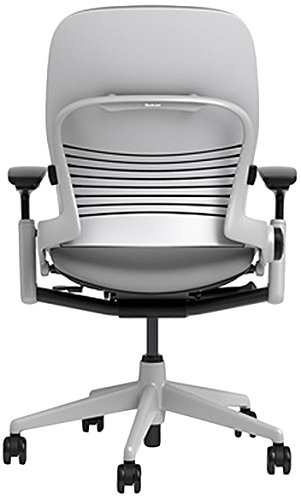
The Steelcase Leap V2 is consistently ranked among the top ergonomic office chairs in the world, and it occupies a unique position: it's arguably the best chair for dynamic sitters — people who shift, recline, lean forward, and move throughout the day. Unlike chairs that lock you into a single "correct" posture, the Leap is engineered to move with you. Its LiveBack technology and Natural Glide System are genuine innovations that most competitors have not matched, even 25 years after the chair's original launch.
Steelcase Leap V2 (Standard)
The standard Leap V2 includes Steelcase's full suite of adjustments: seat height (15.5 to 20.5 inches), seat depth (15.5 to 18 inches), lower back firmness dial, upper back force adjustment, and arms that move in four dimensions. The LiveBack backrest mimics your spine's movement in real time, providing continuous lumbar support regardless of your position. The 12-year warranty covers all parts and labor. This chair is built in Grand Rapids, Michigan, and is designed to last 15 to 20 years with normal use.
8
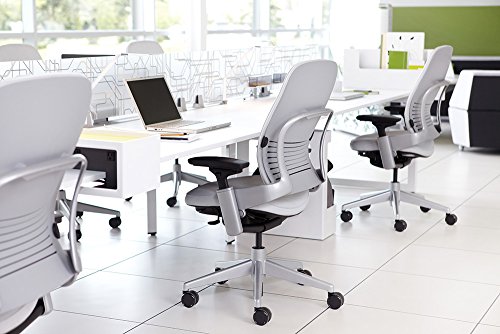
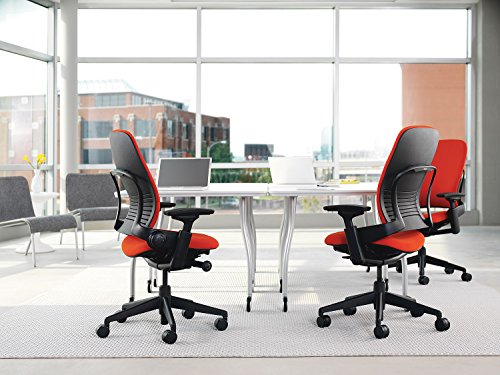
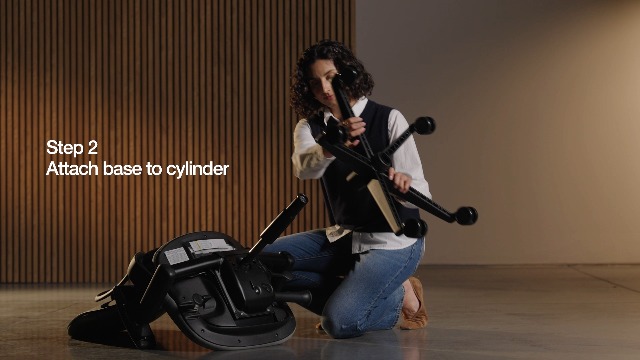
Steelcase Leap Office Chair – Seven Points of Adjustability – Ergonomic Back Support Chair – Lumbar Support – 4D Adjustable Arms – Black Frame – Onyx
In Stock


As an Amazon Associate we earn from qualifying purchases. Product prices and availability are accurate as of the date/time indicated.
Steelcase Leap V2 with Headrest
For users who spend long hours in calls or frequently recline, Steelcase offers a Leap V2 variant with an adjustable headrest. The headrest pivots forward and back and adjusts vertically to support your head in both upright and reclined positions. It's a worthwhile add-on for anyone over 5'10" or who experiences neck tension during long video conferences.
21
Prime
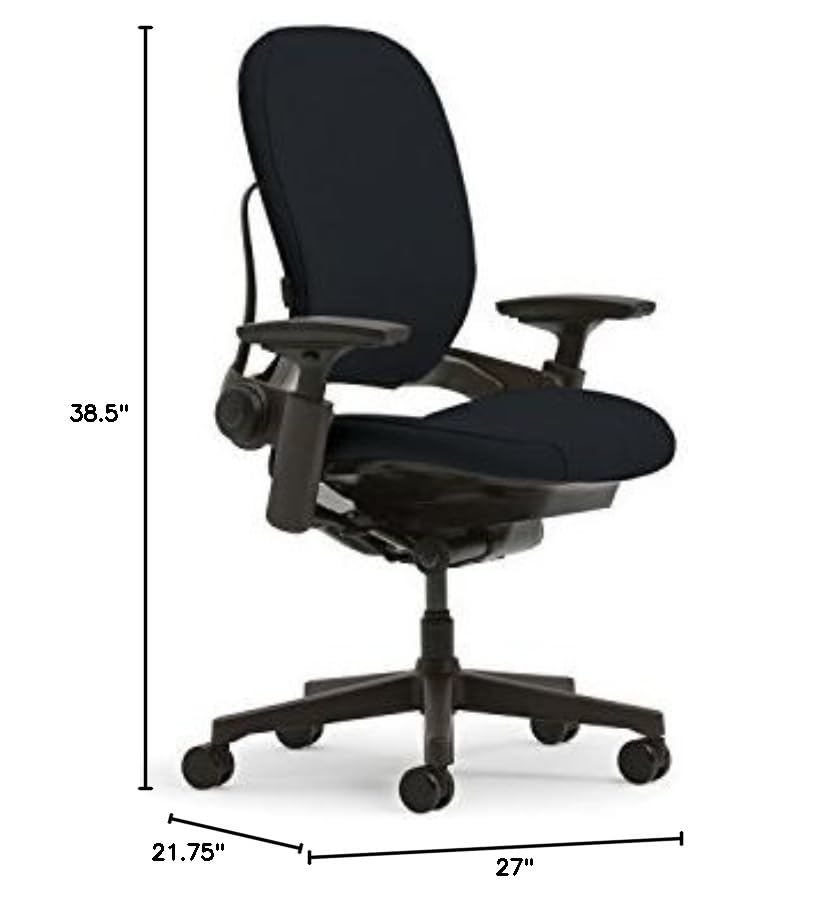
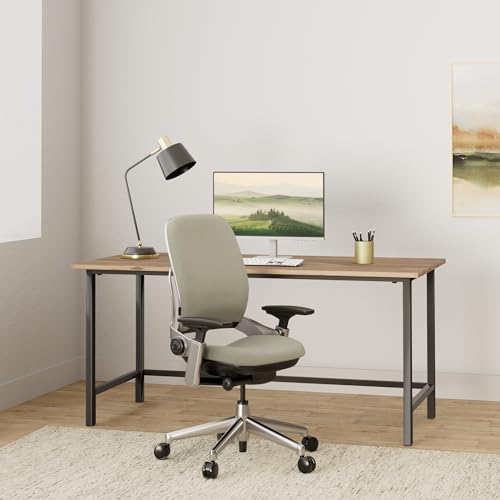
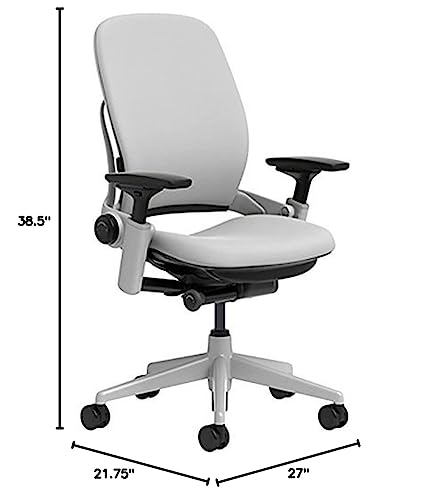
Steelcase Leap Office Chair – Ergonomic Work Chair with Wheels for Carpet Flooring – Supports Unique Body Shape – with Natural Glide System & Liveback Technology – Blue Nickel
In Stock



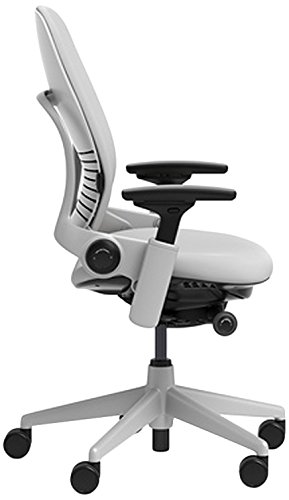
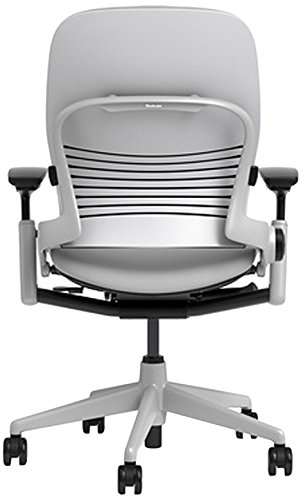
As an Amazon Associate we earn from qualifying purchases. Product prices and availability are accurate as of the date/time indicated.
Steelcase Gesture Chair
The Gesture is Steelcase's answer to modern device-based work. Designed around how people use smartphones, tablets, and laptops in addition to desktop computers, it features 360-degree arm movement, a seat that automatically adjusts as you recline, and a backrest that fully supports the entire spine from tailbone to upper back. It's the better choice for users who switch regularly between multiple devices and postures.
21
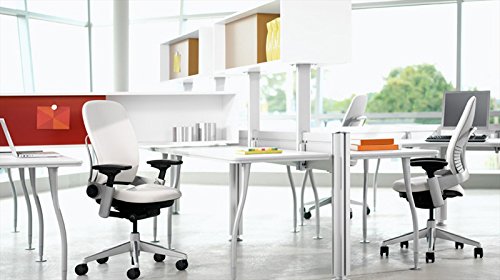
Steelcase Leap Office Chair – Ergonomic Work Chair with Wheels for Carpet Flooring – Supports Unique Body Shape – with Natural Glide System & Liveback Technology – Night Owl
In Stock

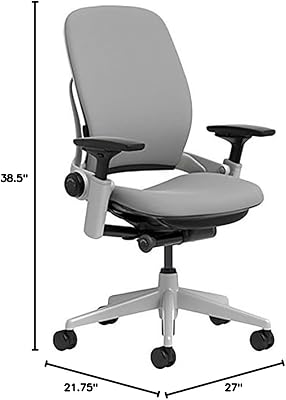


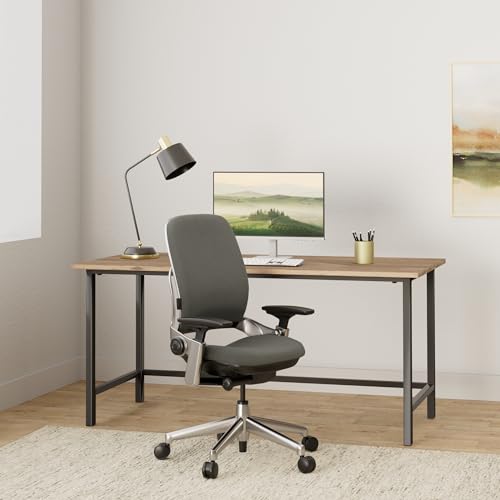

As an Amazon Associate we earn from qualifying purchases. Product prices and availability are accurate as of the date/time indicated.
Steelcase Leap Chair Buying Guide
- New vs. refurbished: Certified refurbished Steelcase chairs offer dramatic savings with the same ergonomic performance — a smart option for budget-conscious buyers.
- Fabric vs. leather: Leap V2 is available in dozens of fabric options; leather variants exist but run significantly more expensive.
- Lower back firmness: Dial this to your preference during the first week — most users prefer medium or firm.
- Arm height: Set arms so your elbows rest at 90 degrees with your shoulders relaxed — not raised, not drooping.
- Break-in period: Allow two to three weeks before judging comfort; the Leap feels different from foam-padded chairs and takes adjustment.
Final Thoughts
The Steelcase Leap V2 is a genuine ergonomic masterpiece. It's expensive, but its 12-year warranty, adaptive design, and proven longevity make it one of the most cost-effective chairs over its lifetime. If you sit for six or more hours a day, it's hard to justify anything less.
Frequently Asked Questions
Is the Steelcase Leap worth the price for home office use?
If you sit for six or more hours a day, the Leap’s adjustability and durability make it a strong long-term value. Its LiveBack system and adjustable lumbar firmness target the lower-back strain common in remote work. For lighter or occasional use, a less expensive ergonomic chair may suffice.
What makes the Steelcase Leap good for back support?
The Leap’s standout feature is LiveBack technology, which flexes with your spine as you move instead of holding it rigid, plus a lower-back firmness dial you can tune to your needs. The seat edge also adjusts to reduce thigh pressure. Together these target the most common sources of desk-related back pain.
How long does a Steelcase Leap chair last?
Steelcase builds the Leap for heavy daily use and typically backs it with a 12-year warranty, so a decade or more of service is realistic. That longevity is a big part of its value argument. Many owners report the chair holding up well long after cheaper chairs would have sagged.
Should I buy a new or refurbished Steelcase Leap?
A certified refurbished Leap can deliver most of the chair’s benefits at a lower cost, which appeals to budget-conscious home offices. Check what’s been replaced and whether any warranty carries over. A new chair gives full warranty peace of mind if you plan to keep it for many years.
How to Choose the Right Steelcase Leap Configuration
The Leap V2 comes in standard and headrest versions, with options for arms, casters, and upholstery, plus a thriving refurbished market, so the right choice depends on your height, your floor, and your budget. Decide on the must-have features before you weigh new against refurbished.
- Headrest or not — A headrest is worth it if you are over 5’10” or recline often on calls; shorter users who sit upright rarely miss it and can save the add-on cost.
- Caster type for your floor — Standard casters suit carpet, but soft polyurethane casters roll quietly and safely on hardwood without scuffing.
- Arm range — Confirm the 4D arms drop low enough and rise high enough for your desk height, since correct elbow support is central to the Leap’s back relief.
- New vs certified refurbished — Refurbished Leaps deliver nearly identical ergonomics for far less; verify which parts were replaced and what warranty transfers.
Common Mistakes to Avoid
The biggest mistake is judging the Leap in the first day. It feels firmer than foam-padded chairs and needs a two- to three-week break-in, plus deliberate tuning of the lower-back firmness dial and seat depth. Many returns happen because buyers never adjusted the chair to their body and assumed the stock setup was final.
Buyers also set the arms by feel rather than by elbow angle, leaving shoulders raised or drooping all day. Dial the arms so your elbows rest at 90 degrees with relaxed shoulders, match seat height to keep feet flat, and the Leap’s design does its job. Skipping this setup wastes the very adjustability you paid a premium for.
Related Reviews & Guides



Quick Picks: Best Desktop Speakers for Home Office — 2026
7 Best Cable Management Boxes: Top Picks Reviewed and Compared (2026)










