Last Updated: September 7, 2026
- Why Standard Mice Cause Problems
- Head-to-Head: Ergonomic Mouse vs Trackball
- Top Picks at a Glance
- Ergonomic Mouse Deep Dive
- Trackball Deep Dive
- The Case for Using Both
- Armrest Height: The Upstream Fix That Changes Everything
- Keyboard Pairing Matters
- Frequently Asked Questions
- About the Author
- Related Articles
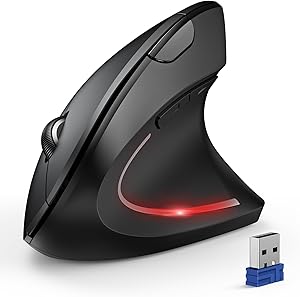
TL;DR: Ergonomic mouse vs trackball is a question of motion type, not comfort level — both reduce wrist strain compared to standard mice, but in different ways. Trackballs eliminate arm movement entirely; ergonomic mice redistribute forearm stress with vertical or angled grips. This comparison breaks down who benefits from each and when to switch.
Ergonomic Mouse vs Trackball: Which Actually Reduces Wrist Pain?
Repetitive strain injury from mouse use is one of the most common home-office complaints — and one of the most preventable. The two main alternatives to a standard mouse each attack the problem differently. Understanding the biomechanical difference between them is the only way to pick the right tool for your specific pain point.
As an Amazon Associate we earn from qualifying purchases at no extra cost to you.



🛒 Best Price Today on Amazon
Prime members get fast, free shipping on everything above, plus member-only deals. New members get a 30-day free trial — cancel anytime.
📄 In This Review
- Why Standard Mice Cause Problems
- Head-to-Head: Ergonomic Mouse vs Trackball
- Top Picks at a Glance
- Ergonomic Mouse Deep Dive
- Trackball Deep Dive
- The Case for Using Both
- Armrest Height: The Upstream Fix That Changes Everything
- Keyboard Pairing Matters
- Frequently Asked Questions
- About the Author
- Related Articles
Why Standard Mice Cause Problems
A conventional mouse forces your forearm into sustained pronation — palm facing down. This position compresses the muscles and tendons running through the carpal tunnel and keeps the forearm rotated against its natural resting position. Over 6–8 hours of daily use, this sustained posture creates cumulative tendon inflammation even without any single dramatic injury.
A second issue: whole-arm movement across a mouse pad creates repetitive shoulder and elbow motion that aggravates ulnar nerve impingement at the elbow. The fix depends on which of these two problems is your primary complaint.
Head-to-Head: Ergonomic Mouse vs Trackball
See also: How to Reduce Eye Strain From Screens: Desk Setup Fixes That Work • How to Organize Cables with Sleeves (2026): Step-by-Step
| Factor | Ergonomic Mouse (Vertical) | Trackball |
|---|---|---|
| Primary fix | Eliminates forearm pronation | Eliminates whole-arm movement |
| Forearm position | Neutral “handshake” position | Flat (pronated) — same as standard mouse |
| Wrist movement | Similar to standard mouse | Minimal — wrist stays still, fingers move ball |
| Desk space needed | Standard mouse pad area | Footprint of the device only — no lateral movement |
| Learning curve | Low — 1–3 days adjustment | Medium — 1–2 weeks for precision tasks |
| Precision tasks | High — similar to standard mouse | Moderate — fine pixel work requires practice |
| Best for | Forearm/wrist pain from pronation | Shoulder/elbow pain from arm movement; small desks |
| Gaming compatibility | Good for casual use | Poor for fast-paced gaming |
| Portability | Easy — standard size and shape | Less portable — stationary device |
Top Picks at a Glance

9
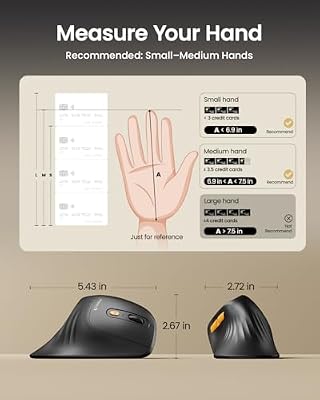
ProtoArc EM11 NL Wireless Ergonomic Vertical Mouse, Rechargeable, Black
In Stock
Updated: 1 day ago





As an Amazon Associate we earn from qualifying purchases. Product prices and availability are accurate as of the date/time indicated.
13
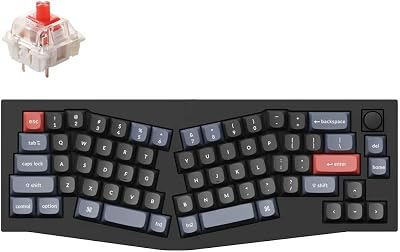
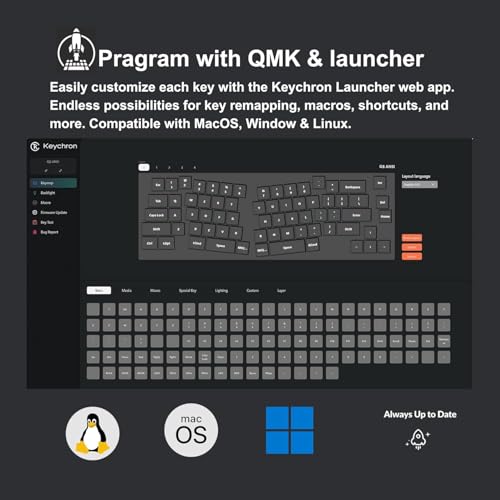
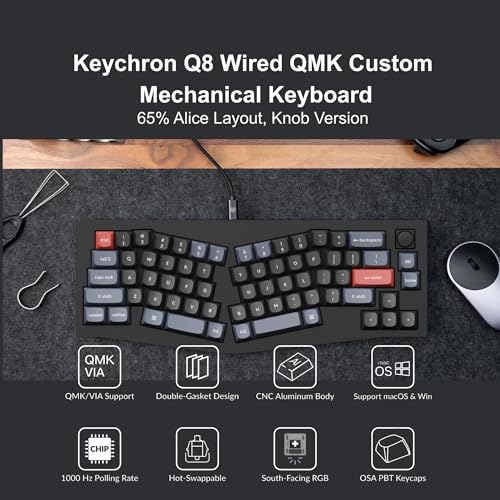
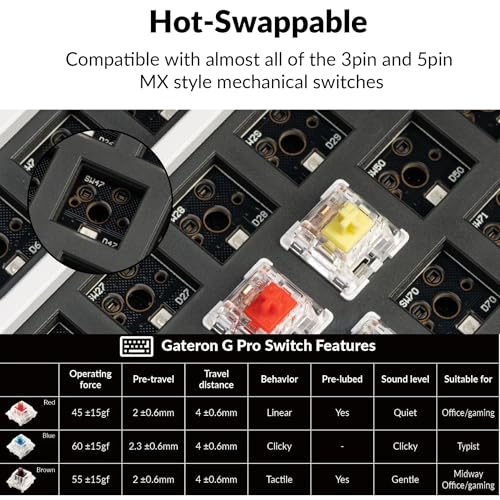
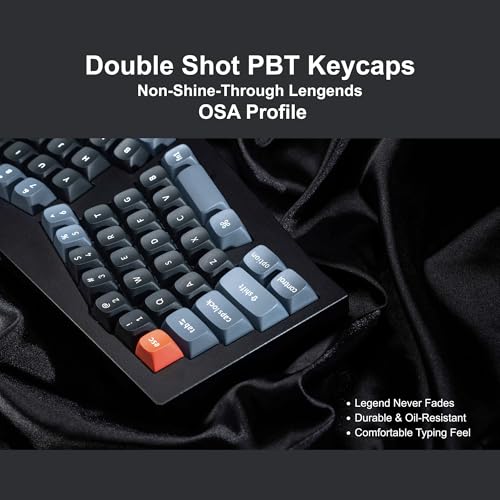
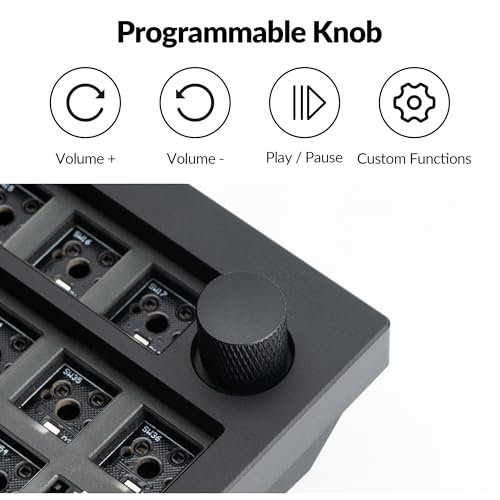
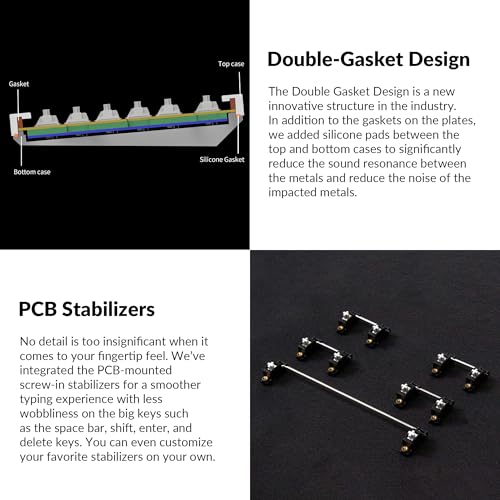
Keychron Q8 Wired Custom Mechanical Keyboard with Knob, 65% Alice Layout QMK/VIA Programmable, Hot-swappable Gateron G Pro Red Switch, Double Gasket Compatible with Mac Windows Linux (Black)
In Stock
Updated: July 26, 2026


As an Amazon Associate we earn from qualifying purchases. Product prices and availability are accurate as of the date/time indicated.

9
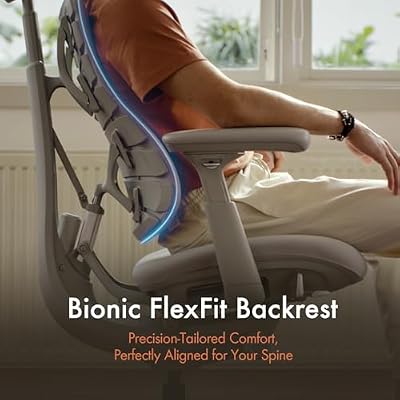
LiberNovo Omni Dynamic Ergonomic Office Chair, Comfy Desk Chair, 48cm
Out of Stock
Updated: 5 hours ago



As an Amazon Associate we earn from qualifying purchases. Product prices and availability are accurate as of the date/time indicated.
Ergonomic Mouse Deep Dive
How Vertical Mice Work
Vertical mice rotate the grip 60–90 degrees so your palm faces inward rather than down. This “handshake” position is the natural resting orientation of the forearm when relaxed — the supinator and pronator muscles aren’t fighting each other. The result is dramatically reduced muscle tension during sustained use.
The ProtoArc Ergonomic Mouse (B0CX18LHWS, $21.99) delivers this vertical orientation at a price point that makes it a no-brainer first trial — if the vertical grip doesn’t work for your hand size or grip style, you’re not out much. Read our full our protoarc ergonomic mouse review for detailed testing notes.
Vertical Mouse Limitations
Vertical mice still require whole-arm movement across the desk. They don’t address shoulder or elbow repetitive strain from lateral arm sweeping. Users with elbow pain (lateral epicondylitis, “mouse elbow”) may find vertical mice solve wrist pronation but not the arm movement component of their pain.
Hand size mismatch is common — vertical mice come in specific size ranges and the wrong size forces finger extension or compression that creates new strain points. Check hand measurement charts before buying.
Trackball Deep Dive
How Trackballs Work
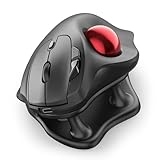
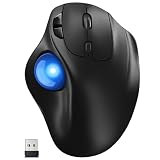
A trackball keeps the device stationary — the ball on top or on the side moves the cursor, driven by your fingers or thumb rather than arm motion. The forearm, wrist, and hand stay in one position. Only fingertips move, making the range of required motion tiny compared to both standard and ergonomic mice.
Two main trackball styles exist: finger-controlled (ball on top, moved with index/middle fingers) and thumb-controlled (ball on the side, moved with the thumb). Finger trackballs offer more precision; thumb trackballs have a more natural resting position and a gentler learning curve for users transitioning from standard mice.
Trackball Limitations
The flat palm-down position remains — trackballs don’t address forearm pronation. Users whose primary complaint is wrist or forearm pain from pronation often find limited relief. The precision learning curve is real: fine cursor control (pixel-level design work, spreadsheet cell selection) takes 1–2 weeks of daily use to recover. During that adjustment period, productivity takes a measurable hit.
Trackballs also require regular maintenance — the ball socket collects dirt and skin oil, causing tracking inconsistency. Monthly cleaning is part of the ownership equation.
The Case for Using Both
Many power users rotate between an ergonomic mouse for precision tasks and a trackball for browsing, email, and less demanding screen work. The rotation strategy breaks the repetitive strain cycle at the root: it’s not one posture held for 8 hours, but two different motor patterns that work different muscle groups. Total strain accumulation drops even if neither device is perfect alone.
Armrest Height: The Upstream Fix That Changes Everything
Before switching devices, check armrest height. A forearm hovering unsupported above a mouse pad creates constant isometric contraction in the shoulder and upper back — fatigue that gets attributed to the mouse when the real problem is chair configuration. Proper armrest height (elbow at 90–100 degrees, forearm supported while mousing) reduces perceived mouse discomfort dramatically regardless of device type.
The LiberNovo Ergonomic Chair (B0FXFB9XS7, $922) has 4D armrests with lateral, height, and depth adjustment — position them to support the forearm right up to mouse/trackball position. See our see ergonomic office chairs back pain for full armrest adjustment technique.
Keyboard Pairing Matters
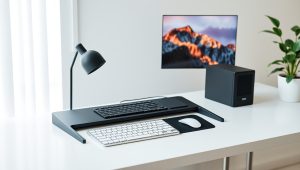
Mouse ergonomics don’t exist in isolation from keyboard posture. A keyboard that forces your wrists into ulnar deviation (angled inward) stresses the same tendons your ergonomic mouse is trying to protect. An ergonomic keyboard layout — like the Alice/ergo-split layout of the Keychron Q8 (B09TXLVZS5, $79.99) — angles the keys outward to match natural wrist position, compounding the benefit of any ergonomic pointing device. See our our keychron q8 mechanical keyboard review for details on the layout ergonomics.
Frequently Asked Questions
Which is better for carpal tunnel — ergonomic mouse or trackball?
Depends on your carpal tunnel trigger. If pronation and wrist flexion are the issue, a vertical ergonomic mouse addresses the root cause. If repetitive wrist movement is the trigger, a trackball (which keeps the wrist still) is more effective. Many carpal tunnel sufferers benefit from both at different times. Consult an occupational therapist for a proper movement analysis if symptoms are severe.
Is a trackball harder to use than an ergonomic mouse?
Yes, initially. Most users take 1–3 days to feel comfortable with an ergonomic mouse and 1–2 weeks with a trackball. Trackball precision for fine tasks (Photoshop masking, spreadsheet cell selection) takes the longest to develop. If you need to remain immediately productive, start with an ergonomic mouse.
Can you use a trackball with a laptop?
Yes — trackballs are actually better for laptop use than ergonomic mice because they require no pad space and can sit in a fixed position on any surface. The device footprint is stationary. This makes trackballs ideal for couch, plane, or small desk setups where lateral mouse movement isn’t practical.
Do ergonomic mice work for left-handed users?
Most vertical ergonomic mice are right-hand specific due to the angled shape. Left-handed users have fewer options and should specifically search for ambidextrous vertical mice or left-hand-specific models. Trackballs have more ambidextrous options, particularly top-ball designs.
How long before an ergonomic mouse or trackball reduces wrist pain?
Most users notice reduced muscle fatigue within 1–2 weeks of consistent use. Resolution of existing inflammation takes longer — 4–8 weeks combined with reduced overall strain and appropriate stretching. If pain persists beyond 6–8 weeks of proper ergonomic device use, see a physician; persistent pain may have an anatomical component beyond posture.
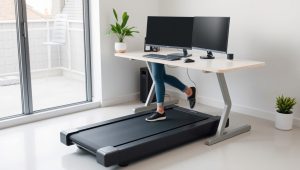
For the complete ergonomic peripheral setup, pair your new mouse with a proper top-ranked standing desks and review our full $1,500 home office build to optimize every fatigue variable at once.
Ready to decide? Our #1 pick for 2026 is the Primary fix.
Live price & availability on Amazon.
Related Reviews & Guides

Smiry Armrest Covers Review (2026)

8 Best Desk Organizers for Home Office: Tidy Up in 2026